
For airline pilots · iPhone · iPad · Mac
Ask your contract.
Schedule, logbook, pay, seniority and the contract itself, in one app on your device. Answers come from the governing documents, cited to the section, online or offline.
● Cited answers Works offline E2E-encrypted sync No telemetry
Five instruments, one panel
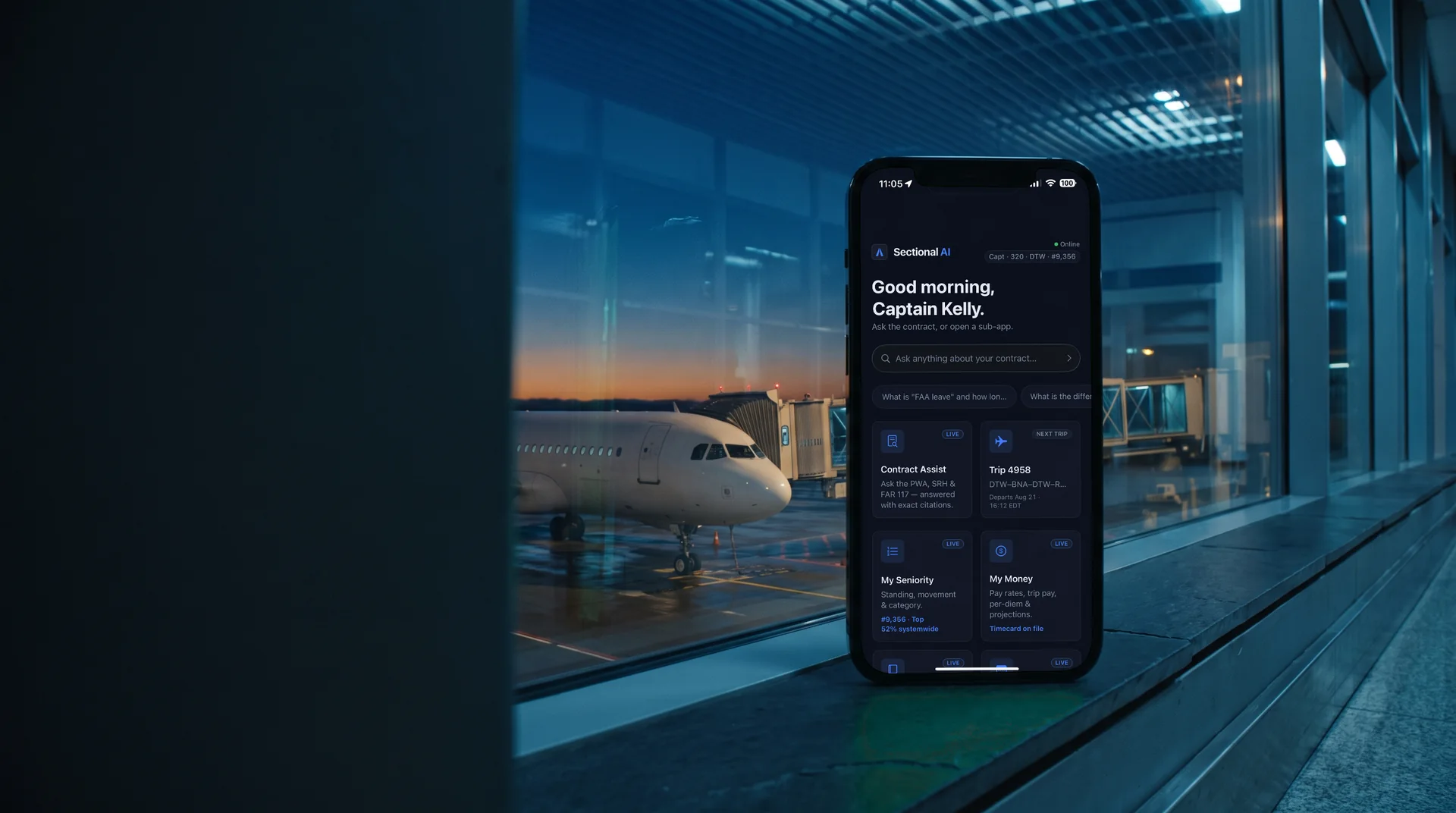
Your flying life, organized.
Schedule, logbook, pay, seniority and the contract, side by side on one Home screen. Each instrument keeps its data on your device and labels an estimate as an estimate. The contract assistant is one of the five, not the whole app.
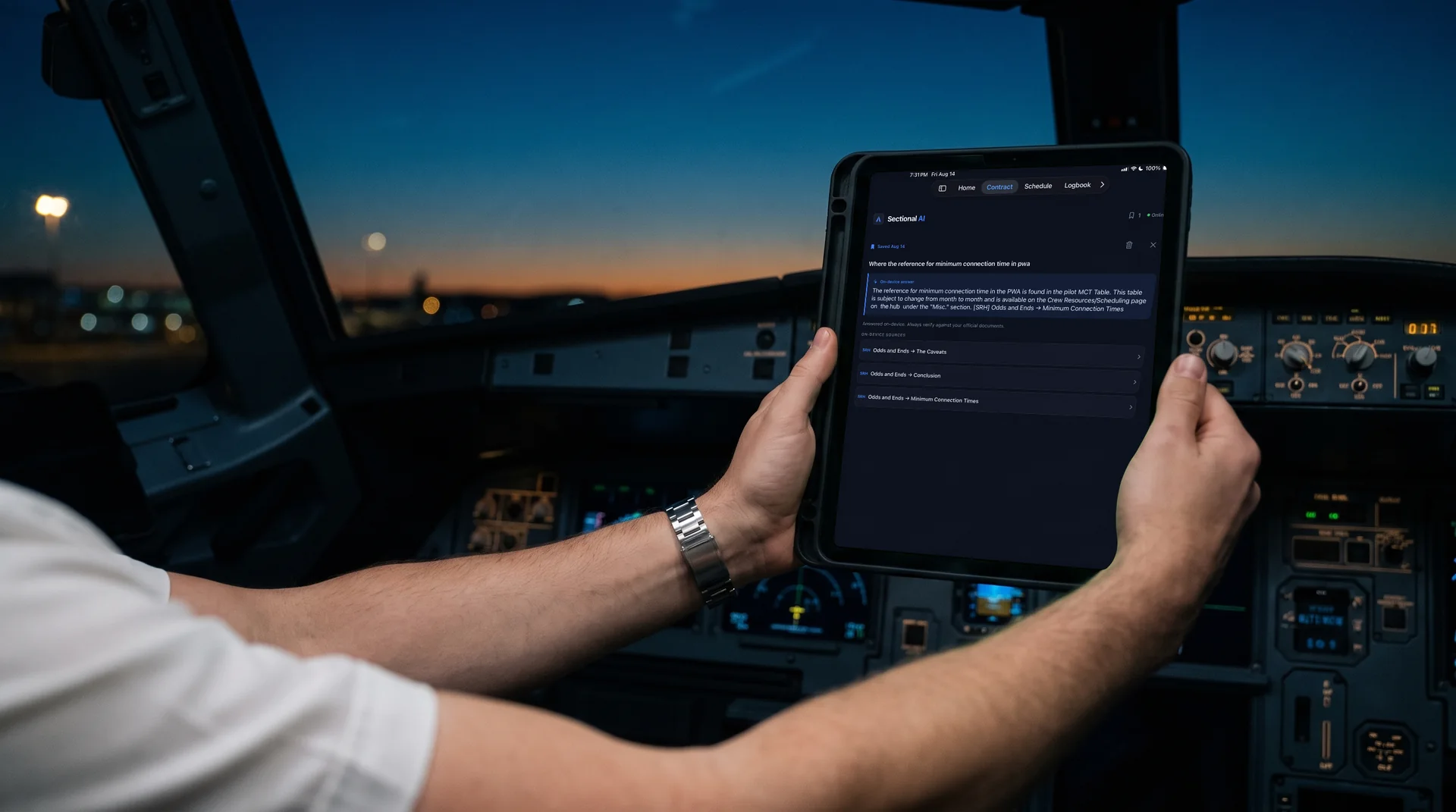
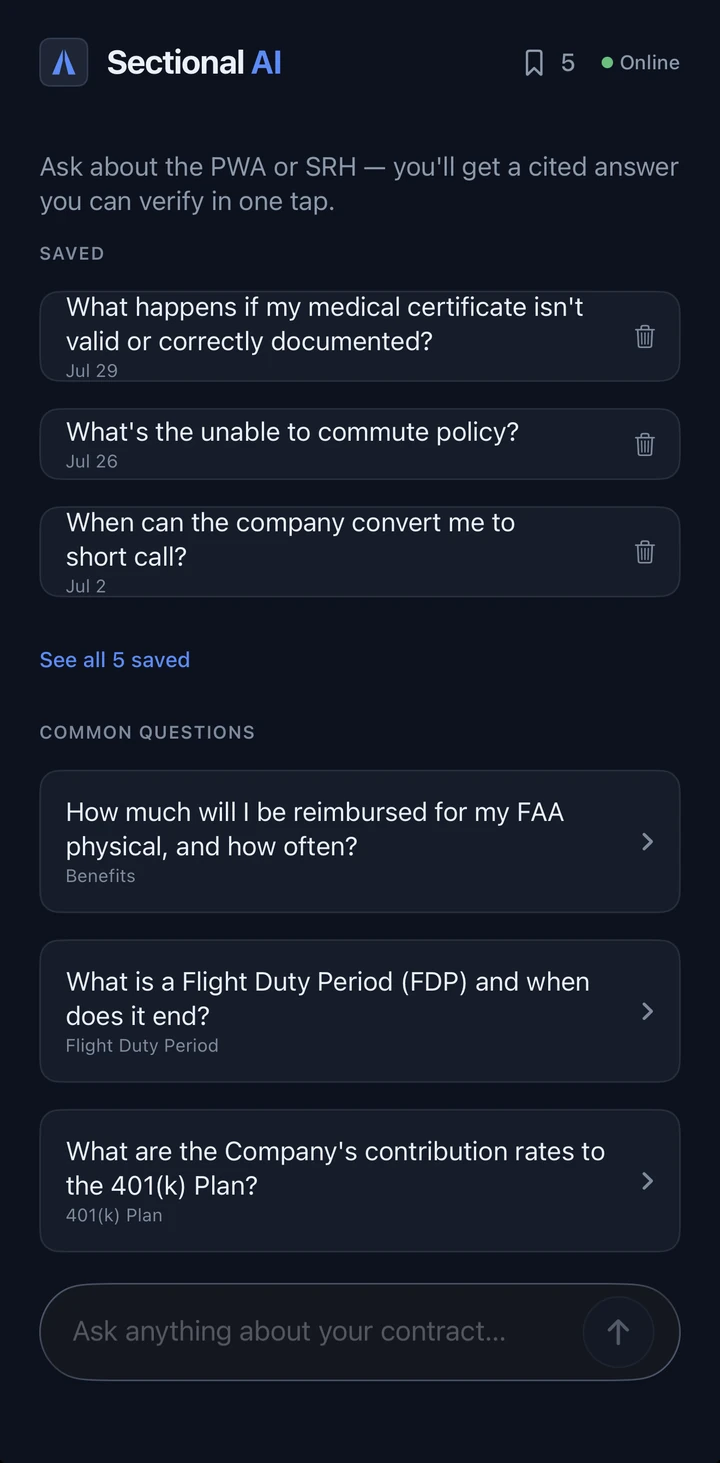
Contract Assist
Plain-language answers from the PWA, SRH and FAR 117, every one cited to the section.
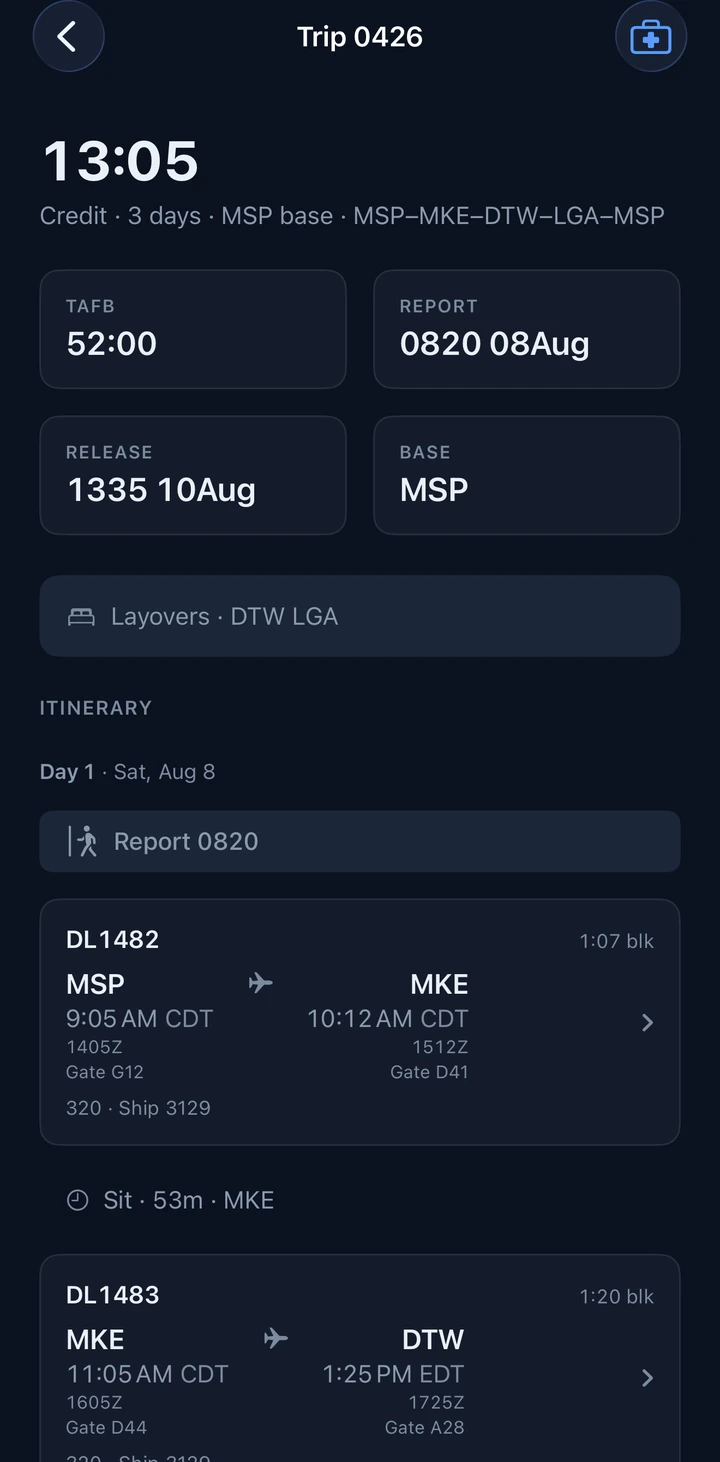
Flight Schedule
Trips, legs, layovers and live gates, read from your own calendar, kept on your device.
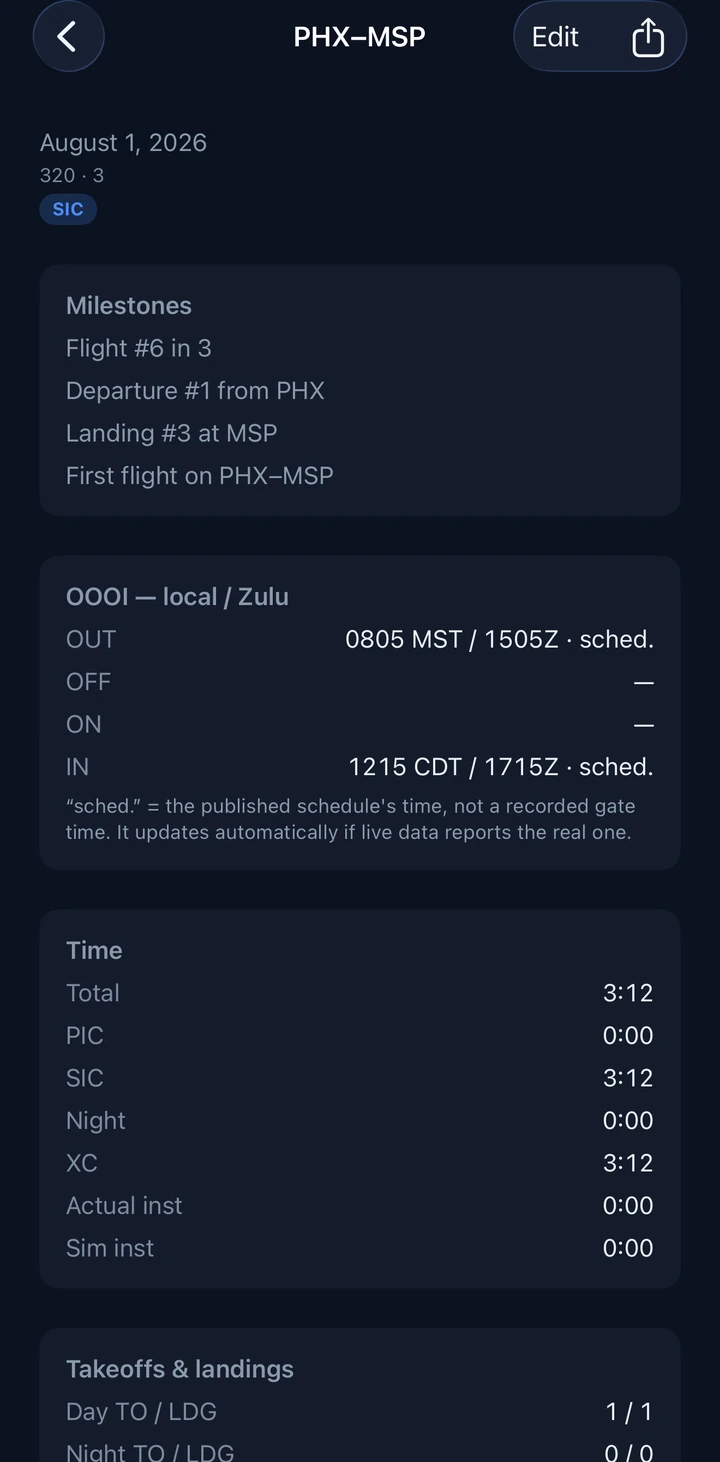
Logbook
Your FAA logbook, built from the trips you actually flew.
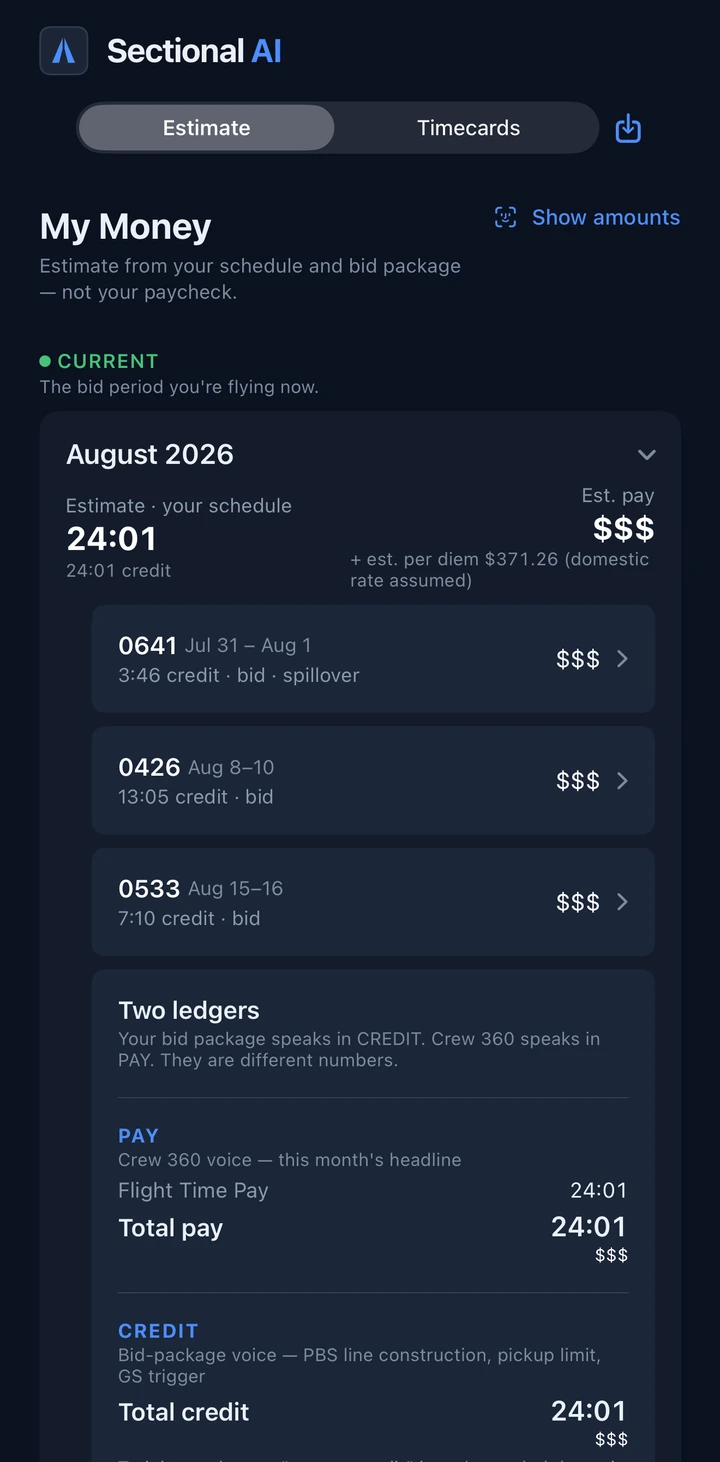
My Money
Two ledgers: what your schedule says and what the timecard says. Estimates labelled as estimates.
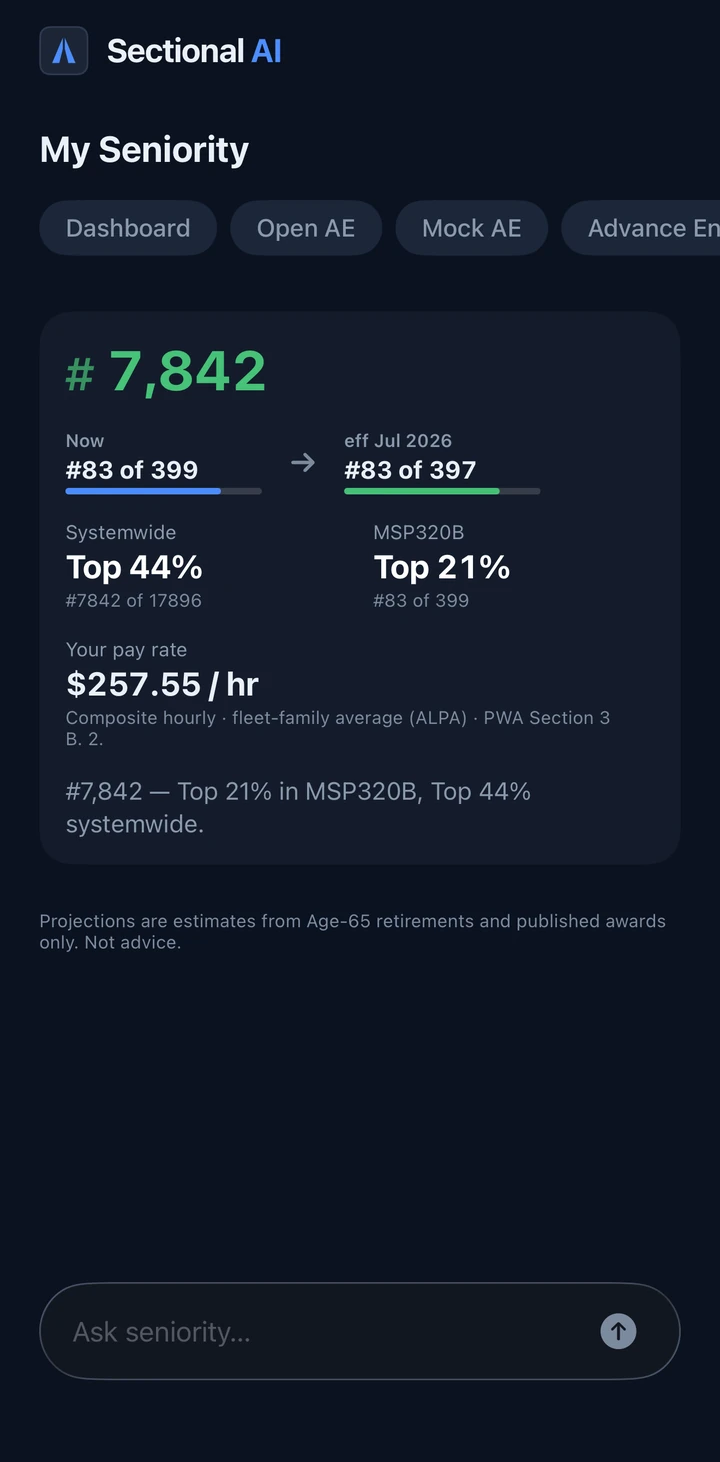
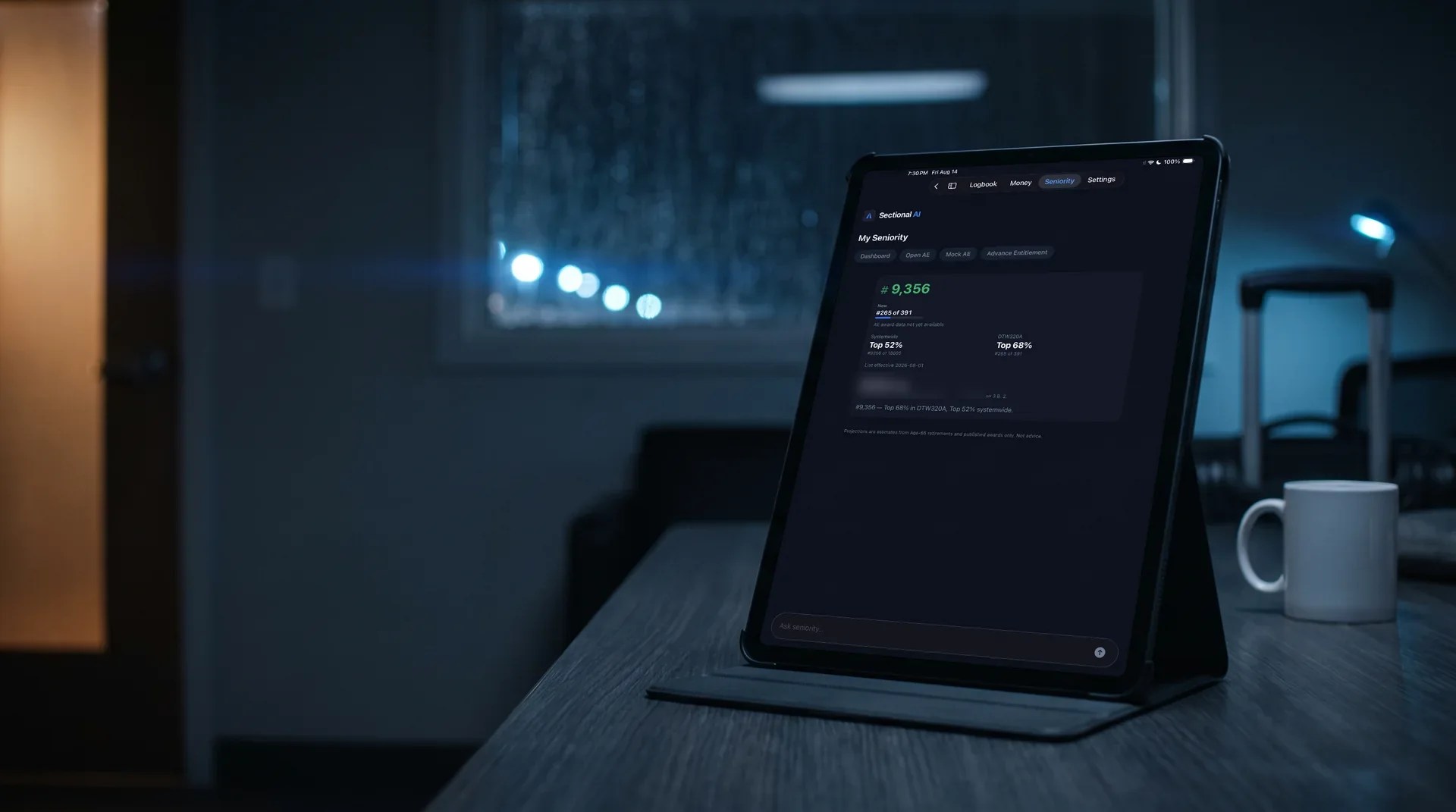
My Seniority
System and category standing, and the retirement tide ahead of you. Labeled on screen: “Estimate — Age-65 retirements only”.
Contract Assist · answered on-device
Every answer shows its work.
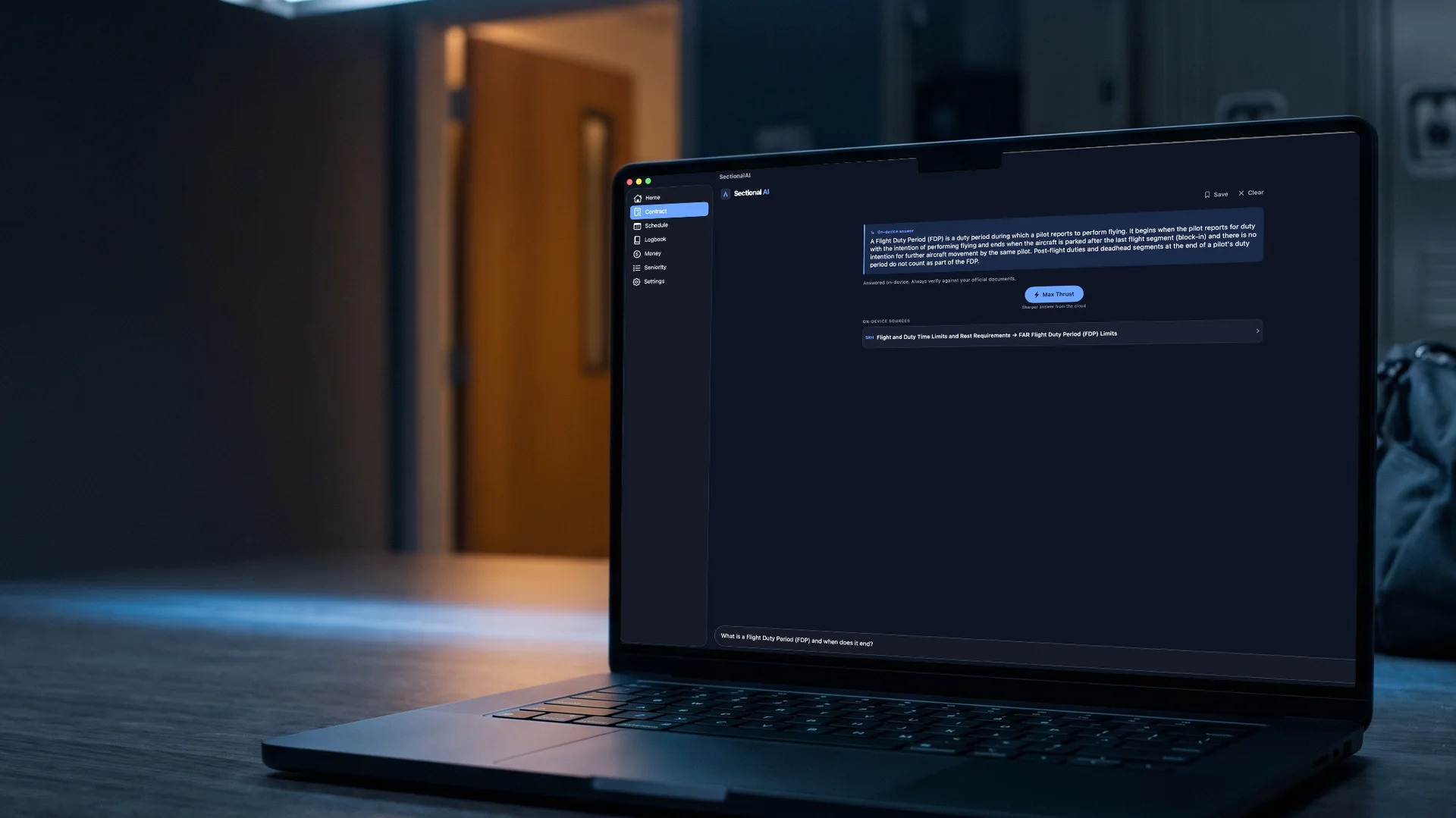
The PWA, the SRH and FAR 117 hold the answer. Finding it at the gate, or at 0500 in a hotel, is the hard part. Contract Assist retrieves the governing text first and answers from it second, quoting it and citing it down to the section. If the documents don't support an answer, it says so.
> What is a flight duty period, and when does it end?
A flight duty period “begins when a flightcrew member is required to report for duty with the intention of conducting a flight, a series of flights, or positioning or ferrying flights” and “ends when the aircraft is parked after the last flight and there is no intention for further aircraft movement by the same flightcrew member.”
Under the hood
Built like avionics, not a chatbot.
The document library lives on your device, pre-indexed for semantic search. Answers are on-device by default, online or offline. Ask for Max Thrust and a frontier model answers from the same governing documents in the cloud. The sources never change, and neither does the rule that every answer must cite them.
Search that never phones home
Your question is embedded and matched against the library on the device itself: 768-dimensional vectors over the actual governing text. Retrieval works identically in airplane mode.
On-device first
Apple's on-device model answers from the retrieved sections, in airplane mode or online. Max Thrust, on your tap, sends your typed question to a frontier model that answers from the same governing documents, and the answer comes back cited.
Verbatim, to the section
Answers quote the governing text and cite it exactly. When the documents conflict, contract versus federal rules, both are surfaced and the conflict is flagged.
Signed content, sealed sync
Document updates arrive over a cryptographically signed channel. Cross-device sync moves only end-to-end-encrypted ciphertext; the server cannot read it.
- · Document library + index
- · Schedule · logbook · pay
- · Profile · seniority
- reads the documents, answers, cites.
- logs nothing.
Privacy
Private by architecture, not by promise.
The system is built so there is almost nothing to trust us with. This is the whole ledger:
The full policy is short enough to actually read: privacy policy.
From the builder
Why I built it.
I fly the line. The answers I needed at the gate were in the PWA, the SRH and FAR 117; finding the right section in the moment was the hard part. I also wanted my schedule, my logbook, my pay and my seniority in one place, on my own device. So I built the app I wanted to carry: it quotes the source and cites the section, it says so when the documents don't answer, and it keeps my data where it belongs. It's my data in there too, which is why privacy is a design rule here, not a setting.
A working line pilot
Before you decide
The questions pilots ask first.
Is it accurate?It can misread. That is why every answer quotes its source and cites it to the section: the citation is there so you check it in one tap, not so you skip checking. When the documents don't support an answer, it says so. Final authority stays with the contract, the union and the FARs.
Does it see my schedule or my number?Your schedule stays on your device. Your logbook, pay records and profile sync end-to-end encrypted, so they're readable only on your devices, and your employee number is kept only as a keyed hash. Max Thrust sends your typed question, an opaque usage token and, only when the question needs it, a derived tenure or seat fact; never your name, number, email or schedule. Optional live flight status sends flight numbers, airport codes and dates, and commute searches add departure windows from your report and release times; you can turn it off. Airport weather is fetched straight from aviationweather.gov using only the airport codes. The full list, item by item, is in the ledger above and in the app under Settings ▸ Privacy.
Is it affiliated with the company or the union?No. It is an independent tool, built by a working line pilot, and it quotes documents you already hold in your professional capacity. The full notice is at the foot of this page.
Why pay when I have the PDF?You do have the PDF. What you don't have at the gate is the answer with its section number, and the source one tap away, with the FAR conflict flagged when there is one. The schedule, logbook, pay estimates and seniority tools are in the same app. 14 days free, then $9.99/month.
What if I'm offline?Retrieval never leaves the device, and Apple's on-device model writes the answer from the same library. Airplane mode. Still cited.
Who built it?A working line pilot flying under the same PWA, through Avesta Forge LLC. Support is a person: support@sectionalai.app.
Get the app
On the App Store.
Sectional AI is on the App Store: reviewed by Apple, found by searching “Sectional AI” or through the link on this page. Contract content is delivered only to verified members: pilots flying under the Delta PWA who already hold these documents in their professional capacity.
Download from the App Store. iPhone, iPad, or Mac (Apple silicon).
Verify in onboarding. A one-time code to your work email, no password. Your employee number is checked against the member roster once, then kept only as a keyed hash.
The library syncs. Documents, seniority and pay data download once, update automatically, and work offline from then on.
Membership14 days free, then $9.99/month